
The question to settle first
A garage door that opens normally but refuses to close may be reporting a safety-sensor fault. A blocked beam, dirty lens, displaced bracket, wiring issue or sunlight interference can look similar. The right next step is observation and model-specific diagnosis.
Begin with garage door opener repair when discussing this issue. This guide helps prepare that conversation.
Begin with the clear path
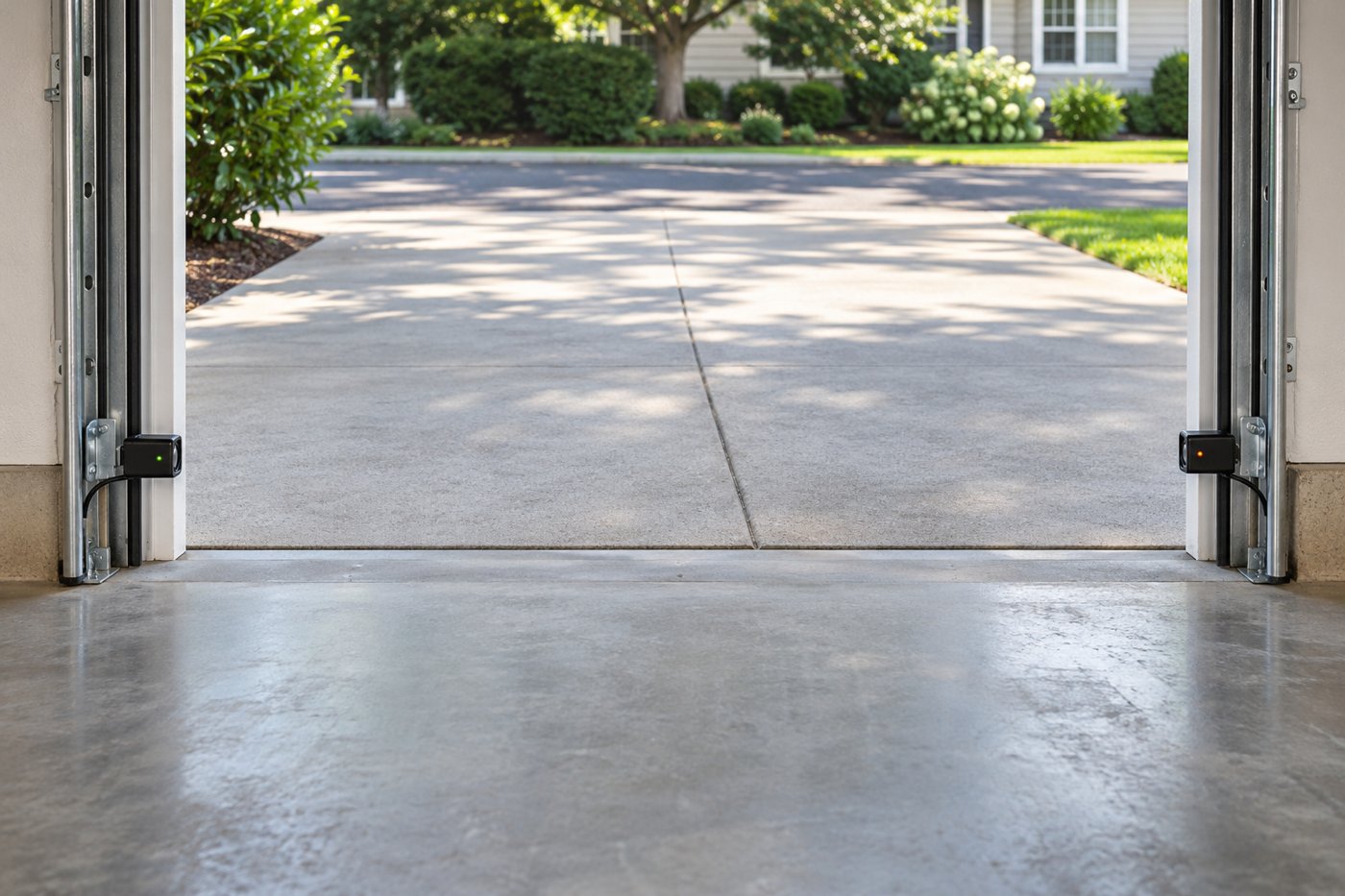
Keep people, pets and objects away from the opening. Look for a bin, tool handle or debris in the sensor path without reaching into moving hardware. Observe whether either sensor light is dark, blinking or steady. Light colors and fault codes differ by model; use the actual owner manual.
You may gently clean an accessible lens according to the manual, with the door out of motion. Do not relocate wiring, loosen track hardware or bypass a sensor. If the fault persists, report what the lights do during a close command.
Record the pattern
| Observation | What it can help distinguish |
|---|---|
| Fault only at one time of day | Possible light interference or exposure pattern |
| One sensor moved after storage was shifted | Possible bracket alignment change |
| Intermittent light with visible wire damage | Wiring needs assessment |
| Both remote and local command affected | Broader control or safety issue |
| Door binds or becomes crooked | Mechanical problem alongside controls |
These are clues rather than a diagnosis. A sensor fault and a mechanical fault can exist together. Do not assume a blinking light means it is safe to keep forcing the door through repeated cycles.
Sunlight is a specific clue
Chamberlain Group documents direct sunlight interference on some safety-sensor arrangements. Note whether morning or afternoon light reaches the receiver and whether the problem disappears at another time. Give that pattern and the model number to the technician.
Do not cover a sensor or add an improvised obstruction. Any approved shield, alignment change or sensor replacement must preserve the protective beam and follow the equipment instructions. A workaround that removes protection is not a repair.
Keep the motor question open
A door refusing to close does not automatically need a new opener. The diagnostic process should inspect the safety circuit, wiring and control indications before condemning the motor or logic board. Conversely, clean lenses do not prove the electronics are sound.
If the door looks crooked, a cable is loose or there was a sudden bang, stop using the system and explain those mechanical symptoms first. A force adjustment cannot make a failed spring safe.
Confirm the result
After repair, the safety functions and full travel should be checked using the model-specific procedure. Keep the manual and record the corrected fault. If the same behavior returns at the same time of day, that timing helps the next assessment.
Treat a failed safety test as a reason to stop normal automatic use. Do not leave an unstable door suspended while trying commands. Secure an alternate entrance and keep the path clear until the system can be assessed safely.
Applying this in Phoenix
In Phoenix and the supported surrounding ZIPs, note whether the opening faces strong afternoon sun and whether dust is present near the sensor path. Pinal-area coverage follows the exact ZIP list, so include the postal location at the beginning of the call.
Check the coverage directory and related service options. For a sudden heavy door, use the spring failure guide; for control symptoms, read sensor diagnosis.
Technical reading
DASMA garage-door system safety and CPSC opener safety guidance. Read the model-specific manual before any owner check. For sunlight diagnosis, see Chamberlain Group sensor guidance.
A useful next step
Call with the door position, ZIP and observed symptom. Calls and repair requests are accepted 24/7; local scope and scheduling are confirmed by phone. Do not operate a visibly unstable door while gathering information.